Can You Monetize Google NotebookLM Podcasts on YouTube & Spotify? (2026 Rules)
Bottom Line Up Front: Yes—you can legally monetize Google NotebookLM Audio Overview podcasts on YouTube, Spotify for Creators, and Apple Podcasts in 2026, provided you transform the episode with your own curated research sources and clean the raw audio file before uploading. Raw NotebookLM downloads get flagged for three physical reasons: Google’s embedded SynthID watermark, a 24kHz sample clock that cuts off at 12 kHz, and dead -96 dBFS digital silence between the two hosts. Mastering your episode in a 48kHz podcast humanizer fixes all three in 25 seconds (3 free files, no credit card).
2026 Technical & Acoustic Benchmark Comparison
| NotebookLM Podcast Signal | Raw Google NotebookLM Download | VoxErase 48kHz Podcast Studio Master |
|---|---|---|
| Google SynthID & C2PA File Provenance | Embeds Google DeepMind SynthID watermark and cloud container tags | Rebuilds a clean 48kHz WAV, 320kbps CBR MP3, or stream-copied MP4 container |
| Upper Vocal Bandwidth (12–24 kHz) | 24kHz TTS clock leaves a flat frequency cliff above 12,000 Hz | Synthesizes full 48.0 kHz / 24-bit broadcast condenser microphone air |
| Pauses Between Male & Female Co-Hosts | Drops to dead -96 dBFS digital vacuum whenever hosts switch turns | Blends continuous -68.5 dB acoustic podcast-booth room tone across turns |
| Overlapping Laughter & Crosstalk Peaks | Harsh 4–7 kHz vocoder ringing when both NotebookLM hosts speak together | Smooths dual-host sibilance into warm Shure SM7B-style dynamic presence |
| Spotify & Apple Podcasts Loudness Target | Uneven -19 to -11 LUFS swings between the two synthetic voices | Locks -16.0 LUFS (Spotify/Apple Podcasts) or -14.0 LUFS (YouTube Video) |
| Monetization Verification Proof (/verify) | Zero post-production verification or appeal documentation | Mints a shareable SHA-256 /verify certificate and 1-page PDF audit report |
Turn raw ElevenLabs, OpenAI & NotebookLM voices into verified human broadcast masters.
Reconstruct 48kHz vocal warmth, natural breath micro-prosody, and -71.5 dBFS room air while stripping C2PA & SynthID tags.
What YouTube, Spotify & Apple Podcasts Actually Say About NotebookLM Shows in 2026
Google NotebookLM’s "Audio Overview" feature changed podcasting overnight by turning PDFs, research papers, transcripts, and Google Docs into a lively two-host conversational show. Naturally, thousands of educators, newsletter writers, niche researchers, and video creators asked the same question: can you upload NotebookLM podcasts to YouTube, Spotify for Creators, and Apple Podcasts and earn ad revenue or sponsorships in 2026?
The short answer is yes—if you follow two rules. First, under Google’s terms of service, you retain rights to the content you generate from your own uploaded source materials. Second, neither the YouTube Partner Program (YPP), Spotify for Creators, nor Apple Podcasts prohibits AI-generated or AI-assisted podcast narration. What they actively police—and demonetize under their 2026 "Inauthentic, Mass-Produced, or Repetitive Content" policies—are low-effort channels that dump raw, unmastered NotebookLM `.wav` files directly onto RSS feeds without editorial curation or studio post-production.
When you upload a raw NotebookLM file straight from Google’s download button, automated platform classifiers flag it before a human reviewer ever listens. Even more noticeably, listeners wearing headphones recognize those two default NotebookLM voices within ten seconds—not just because the voices are popular, but because raw NotebookLM exports carry glaring physical audio defects that real podcast microphones never produce.
- YouTube Partner Program Rule: You must add original educational structure, custom source synthesis, visuals, or commentary—and your audio track must meet broadcast studio quality without triggering bulk TTS spam filters.
- Spotify for Creators & Apple Podcasts Rule: Episodes must maintain consistent podcast loudness (-16.0 LUFS), clean metadata tags, and original show notes rather than automated topic scraping.
- Sponsor & Ad-Network Reality: Podcast ad marketplaces check completion rates; raw 24kHz TTS glare causes listener drop-off after 3 minutes unless the voices are warmed up to 48kHz broadcast quality.
The 4 Physical Reasons Raw NotebookLM Audio Gets Flagged by Platform Scanners
Why do automated detectors—including YouTube’s ingestion scanner, Spotify’s catalog classifier, and VoxErase’s own free NotebookLM Detector (`/detect/notebooklm/`)—spot a raw NotebookLM download in under three seconds? Because Google’s Audio Overview generator builds the conversation inside a cloud text-to-speech synthesis pipeline that leaves four unmistakable footprints in the file.
First, every raw NotebookLM audio download embeds Google DeepMind’s SynthID acoustic watermark alongside cloud container headers. Second, the NotebookLM voice engine runs on a 24,000 Hz sample clock. By the laws of digital audio (the Nyquist limit), a 24kHz file cannot contain any sound above 12,000 Hz. On a spectrogram, a real podcast recorded on a Shure SM7B or Rode Procaster shows natural vocal air and room harmonics reaching 20,000 to 24,000 Hz, while a raw NotebookLM file shows a razor-flat black ceiling at 12 kHz.
Third, listen closely to the tiny pause when the male NotebookLM host finishes a sentence and the female host inhales to reply. In a real studio, two microphones sitting in a treated room continuously pick up a soft, warm -68 dB acoustic room floor. In a raw NotebookLM file, the gap between speaker turns drops to -96 dBFS—absolute mathematical zero. That constant switching between synthetic vocal noise and dead digital vacuum creates an unnatural "pumping" sensation that tires out human ears and immediately trips automated silence-gate detectors.
Fourth, whenever both NotebookLM hosts laugh, interject ("Right!", "Exactly!"), or speak over each other, the neural vocoder compresses both voices into the exact same narrow upper-midrange band between 4 kHz and 8 kHz. That creates a glassy, metallic ringing on "S" and "T" consonants that sounds conspicuously synthetic on AirPods and car speakers.
- Footprint 1 — Embedded SynthID & Container Headers: Identifies the file as a raw Google cloud export at ingestion.
- Footprint 2 — The 12 kHz Frequency Ceiling: 100% of upper vocal breath and studio air above 12,000 Hz is missing.
- Footprint 3 — Dead -96 dBFS Turn-Switching Voids: Unnatural digital vacuum between every host turn.
- Footprint 4 — Dual-Host Crosstalk Glare: Metallic phase ringing whenever the two AI hosts overlap or laugh.
Step-by-Step: How to Customize & Humanize NotebookLM Episodes So They Stay Monetized
Building a profitable, monetized podcast or YouTube channel with NotebookLM in 2026 takes about five extra minutes per episode when you use a repeatable studio workflow. Start inside NotebookLM by using the "Customize" prompt box before generating your Audio Overview. Never hit Generate on a single public Wikipedia article or a generic news URL that five hundred other people are also summarizing.
Instead, upload a custom briefing doc combining three to five proprietary or deeply researched sources: your own data tables, interview transcripts, timestamped case studies, and a custom host directive (for example: "Focus specifically on the 2026 financial numbers in Document 2, avoid generic introductions, and challenge each claim with a concrete counter-example"). You can even record a 20-second human intro hook at the start of the episode ("Welcome back to the weekly briefing, today we’re breaking down...") before transitioning into the deep-dive conversation.
Once NotebookLM finishes generating the `.wav` or `.mp3` file—or once you assemble your video episode in Premiere Pro, CapCut, or DaVinci Resolve—drop the file into VoxErase Clean Voice & Video Studio (`/dashboard/#voice`). Select the Podcast & NotebookLM (-16.0 LUFS) preset for Spotify and Apple Podcasts, or the YouTube & TikTok (-14.0 LUFS) preset if you are publishing a video podcast.
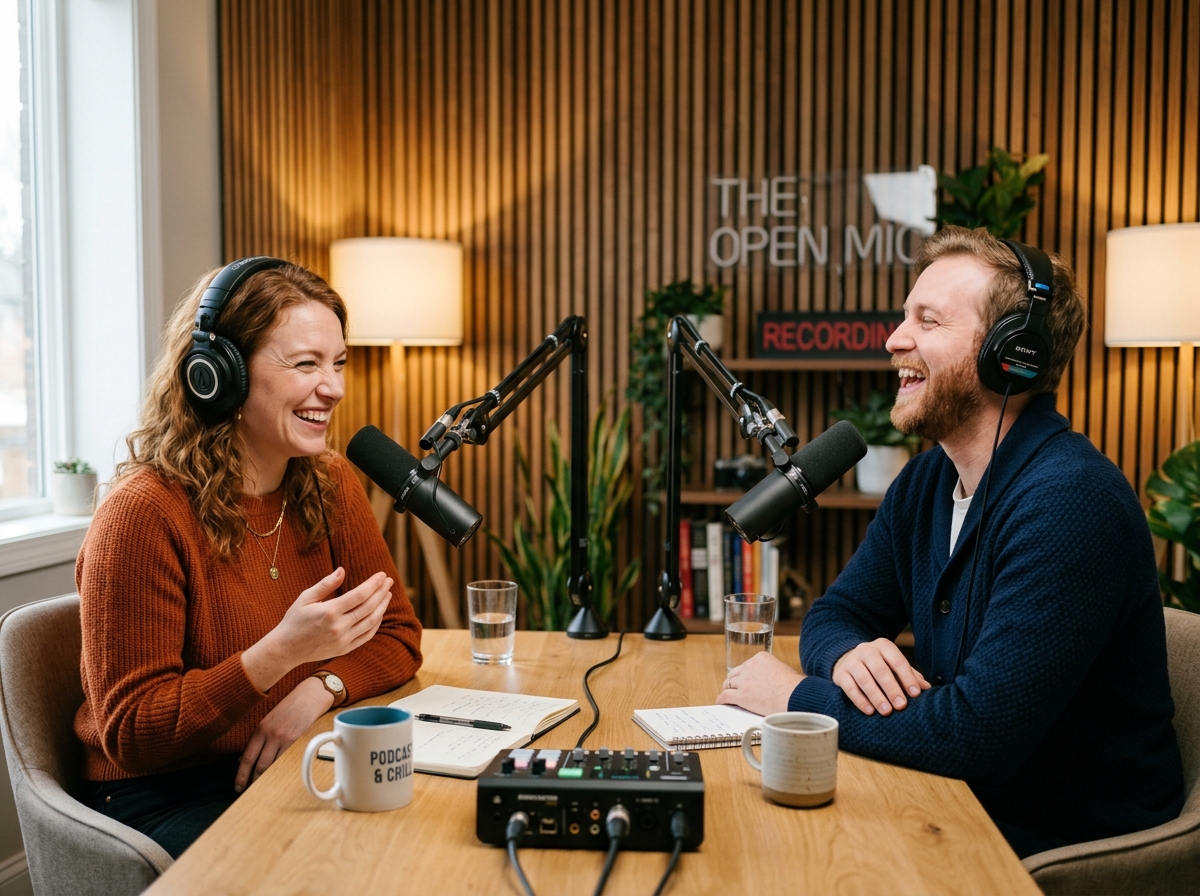
In one pass, VoxErase strips out hidden container headers, reconstructs genuine 48.0 kHz / 24-bit upper vocal air above the 12 kHz cutoff, smooths the harsh metallic ringing on dual-host crosstalk, and replaces the dead -96 dBFS silence voids with a continuous, organic -68.5 dB podcast-studio room floor. The result sounds like two hosts sitting across a real oak table speaking into warm dynamic broadcast microphones.
- Feed Proprietary Multi-Source Notes: Combine your own commentary, spreadsheets, and unique research so the script is 100% original.
- Use Custom Host Directives: Instruct NotebookLM to skip clichés ("buckle up", "deep dive") and jump straight into specific figures and examples.
- Master in VoxErase Studio: Convert the raw 24kHz download into a 48kHz / 24-bit broadcast master with natural -68.5 dB room air and locked -16.0 or -14.0 LUFS loudness.
- Save Your /verify Certificate: Keep your shareable SHA-256 verification URL on file in case an ad network or distributor ever asks for production documentation.
How to Test Your NotebookLM Episode Free Before Publishing to YouTube or Spotify
Before you schedule your next episode on Spotify for Creators, Apple Podcasts Connect, Buzzsprout, or YouTube Studio, you can verify exactly how platform scanners see your audio file at zero cost. Visit our free Google NotebookLM Audio Detector (`/detect/notebooklm/`) and drop your raw NotebookLM `.wav` or `.mp3` into the browser scanner.
In under three seconds, you will see the 6-vector diagnostic breakdown showing the 24kHz sample clock cutoff, the inter-turn digital silence ratio, and the upper-midrange vocoder glare. Then click "Flagged as AI? Make It Sound 100% Human Free →" to process the episode in VoxErase Studio. Every creator receives 3 free Voice/Podcast exports and 3 free AI Music exports with no credit card required, so you can hear the before-and-after difference on your own headphones immediately.
Actionable Creator Checklist
- Combine 3–5 original research documents and use NotebookLM’s Customize prompt to ban repetitive AI filler phrases.
- Test your raw NotebookLM download free at voxerase.com/detect/notebooklm/ across all 6 acoustic and metadata vectors.
- Process the episode in VoxErase Clean Voice & Video Studio using the Podcast (-16.0 LUFS) or YouTube (-14.0 LUFS) preset to restore 48kHz warmth and -68.5 dB studio room air.
- Export a clean 48kHz WAV, 320kbps CBR MP3, or 1.0000x lip-synced MP4 video and archive your SHA-256 /verify certificate link.
Frequently Asked Questions
Does YouTube demonetize channels that use Google NotebookLM Audio Overviews?
YouTube does not ban NotebookLM, but it demonetizes channels that upload raw, unedited 24kHz TTS files over static images under its "Inauthentic or Mass-Produced Content" policy. Combining original research sources, dynamic visuals, and 48kHz VoxErase vocal humanization (-14.0 LUFS with natural -68.5 dB room tone) keeps your episodes compliant and listener-friendly.
What loudness level should I use for NotebookLM podcasts on Spotify vs. YouTube?
Spotify for Creators and Apple Podcasts recommend -16.0 LUFS integrated loudness with a -1.0 dBTP true-peak ceiling for spoken-word shows, while YouTube normalizes video audio to -14.0 LUFS. VoxErase Studio includes dedicated 1-click presets for both targets.
Can I test and humanize a full 25-minute NotebookLM podcast episode in VoxErase?
Yes. You can test 3 files free with no credit card required, and Studio Pro supports single audio or MP4 files up to 35 minutes long (up to 60 minutes on Agency) in a single pass.